
Home / Spreadsheet
EastGoBuy Spreadsheet shelf notes: weight, size, route rules
Sixteen category shelves to browse by category, each with one practical point about how that kind of item behaves between the seller and your door.
Packing quirks, shelf by shelf
The shelves open live listings. Prices and stock change hourly on the marketplaces, which is why we do not copy them here.
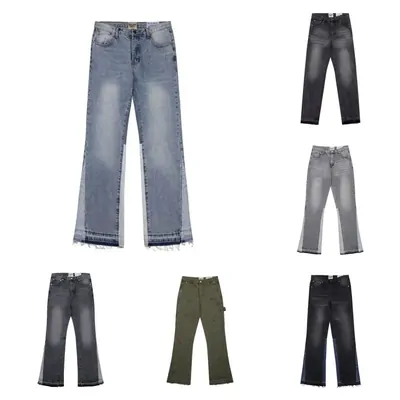 JeansHold the seller's waist figure in centimetres against a pair you already own.Denim
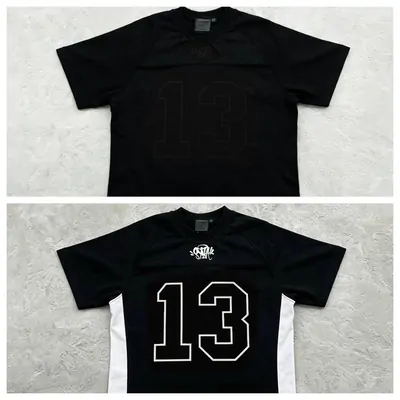 JerseysPrinted numbers and names deserve a close-up once the goods are stored.Sportswear
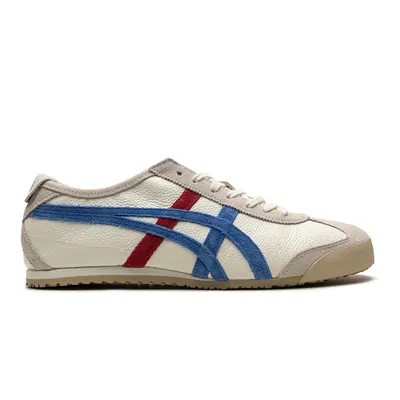 SneakersDecide whether the shoe box should travel. Box removal showed as a free extra on the official order screen.Footwear
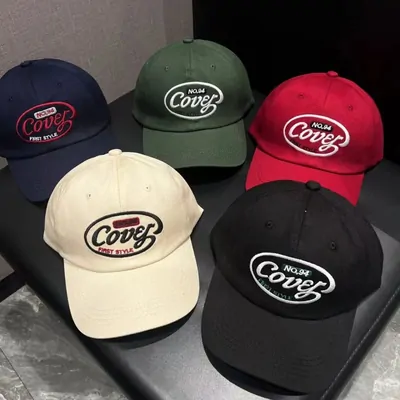 HatsStructured caps get crushed in soft mailers. Ask for a box or card corners.Headwear
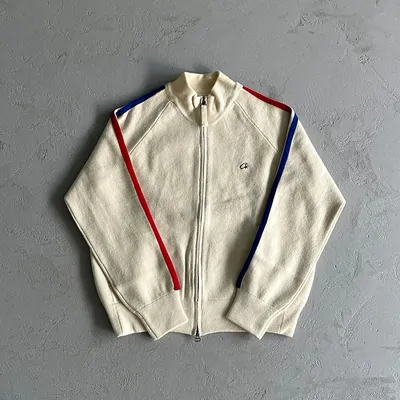 Jackets and coatsPuffy coats are measured as well as weighed. Read the 40 cm rule before choosing EMS.Layers
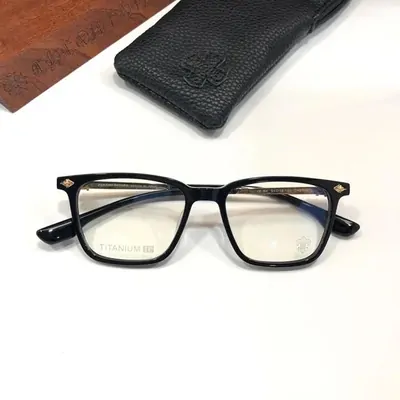 EyewearAsk for a photo of the hinges and the case. Small parts go missing first.Optical
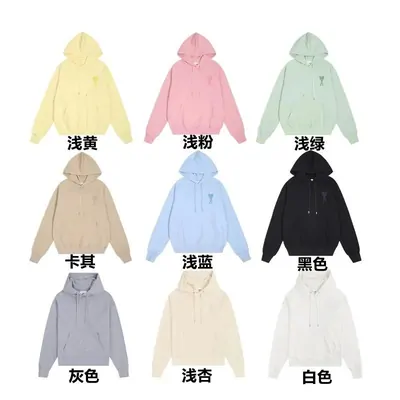 HoodiesHeavy cotton adds up quickly. Two hoodies can tip a parcel over the next weight step.Tops
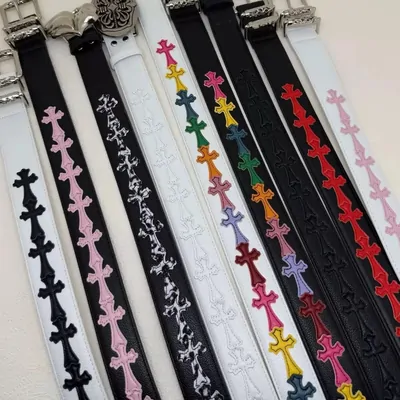 BeltsBuckles add weight. Match the length options to your waist, not your trouser size.Small leather
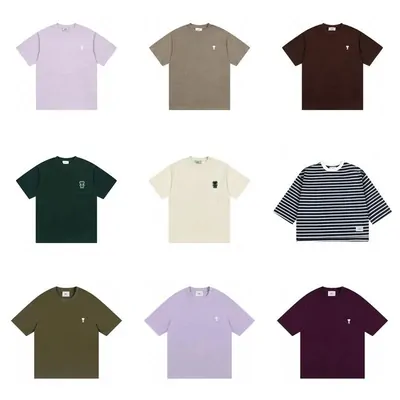 T-shirtsLight and flat: the cheapest thing to slip into a box that is a few grams short of the next weight step.Tops
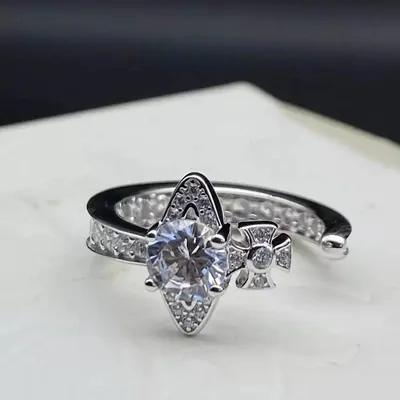 JewelleryTiny items vanish in big bags. The piece count in your photos is your proof.Small pieces
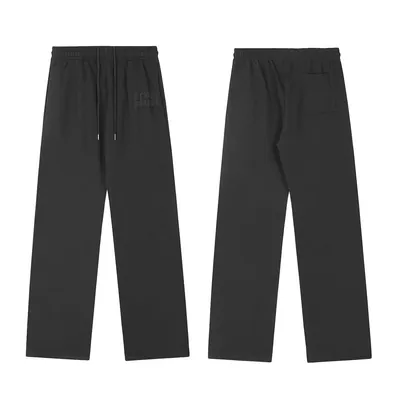 SweatpantsElastic waists forgive a lot. Inseam length in the size chart still decides the fit.Lounge
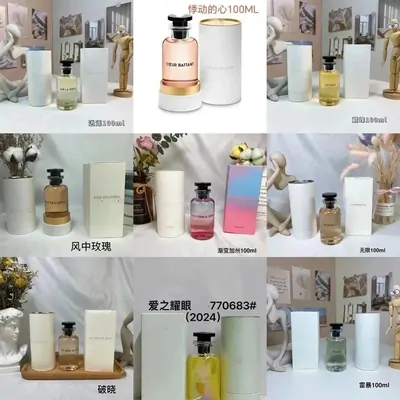 PerfumeLiquids are restricted on many lines, so expect questions at the review stage.Liquids
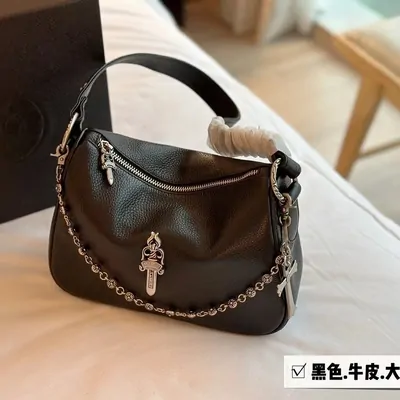 BagsChains and clasps scuff in transit. Bubble wrap appeared as a paid extra on the order screen.Carry
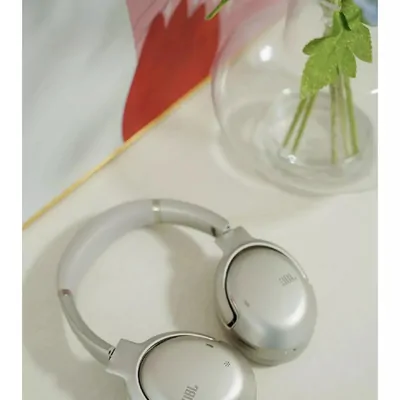 ElectronicsRead the battery rule of each line at checkout; once the box is taped it is too late to switch.Battery goods
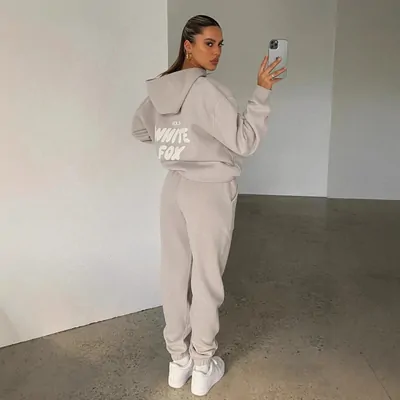 WomenswearThis card runs a search for women's listings rather than opening one shelf.Search shelf
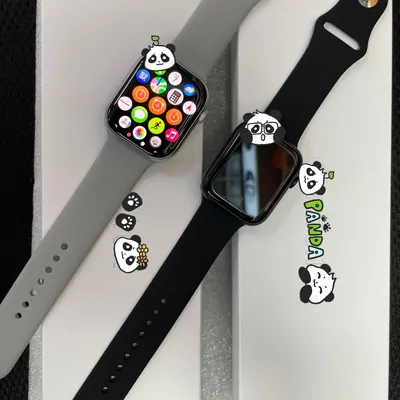 WatchesAnything with a battery counts as a special item, and some routes refuse it.Wrist
Photos, price, options: the parts a listing skips
Behind every card is a category of listings gathered from 1688, Weidian and Taobao sellers. A listing gives you photos, a price in yuan, option names and usually a seller name. What it does not give you is the weight, the box size, or any promise that the photo matches the option you will pick. Those gaps are the reason EastGoBuy photographs goods on arrival, and the reason we spend so many words on the arrival labels.
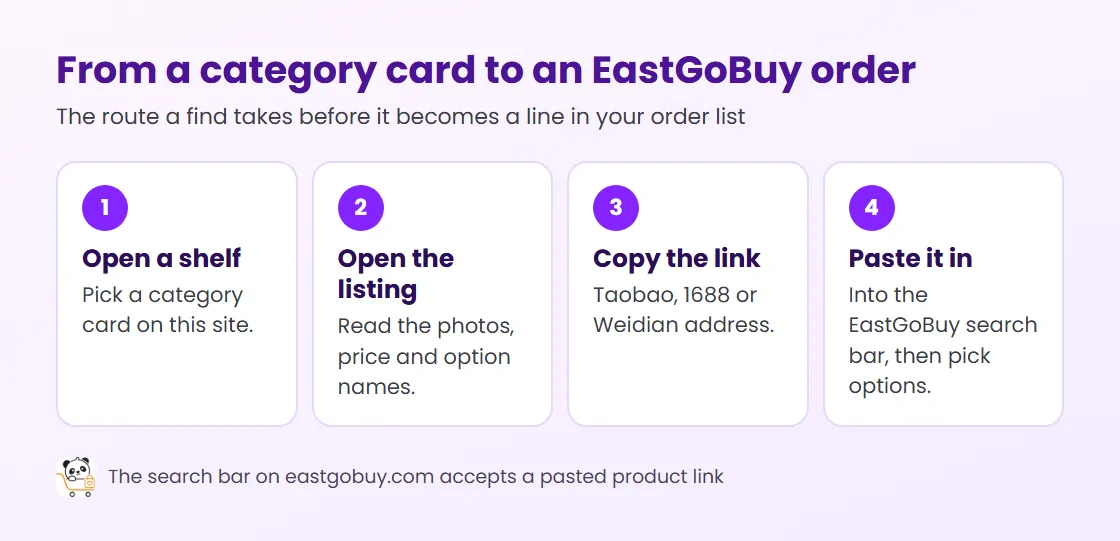
So what is the EastGoBuy Spreadsheet? It is this set of shelves plus the notes that sit under them: a curated finds catalogue meant to be read alongside your EastGoBuy account, not a store. We do not sell anything and we never see your order.
Buying goods that pack well
Deciding what to buy is easier when you think about the parcel at the same time. A few habits that save money later, most of them signals of a reliable seller:
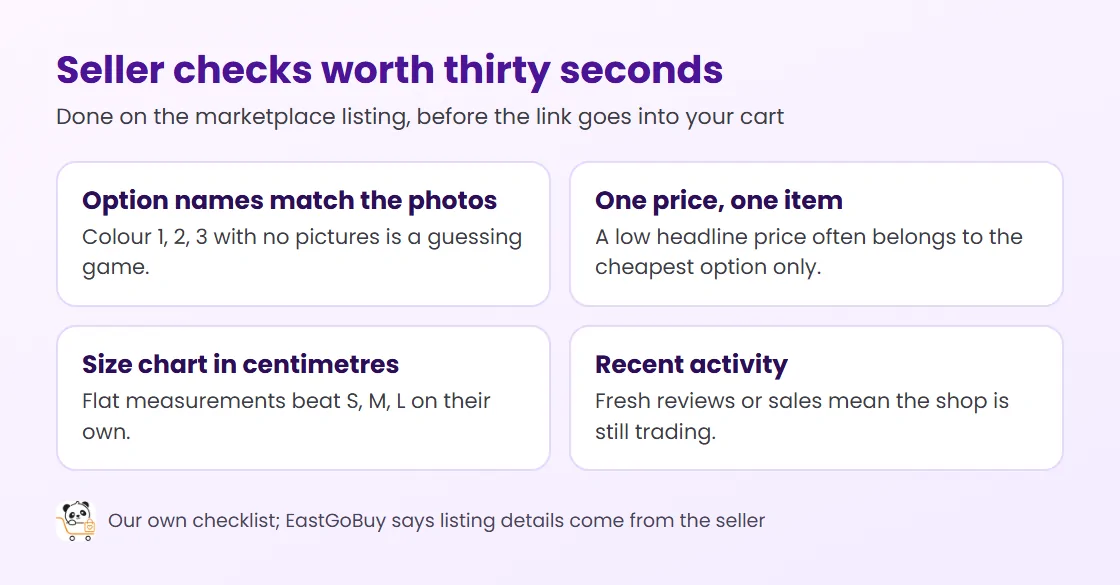
- Read the option names against the photos. Sellers often label colours 1, 2 and 3 with no picture attached. If the option you want has no matching image, ask before paying, because the inspection will only confirm what arrived, not what you meant.
- Check where the headline price comes from. The price on a shelf card or listing title is usually the cheapest option. The size or colour you need can cost more, and that difference turns into a Pending Additional Payment if it surfaces after checkout.
- Think in grams. A cotton hoodie is heavy, a T-shirt is not. Adding two light pieces to a parcel that sits just under a weight step costs little; adding a pair of boots costs a full step or more.
- Leave batteries and liquids for later. Earbuds, smartwatches, perfume and cosmetics are listed by EastGoBuy as special goods that depend on the route. Your first order goes more smoothly without them.
From a card to your EastGoBuy cart
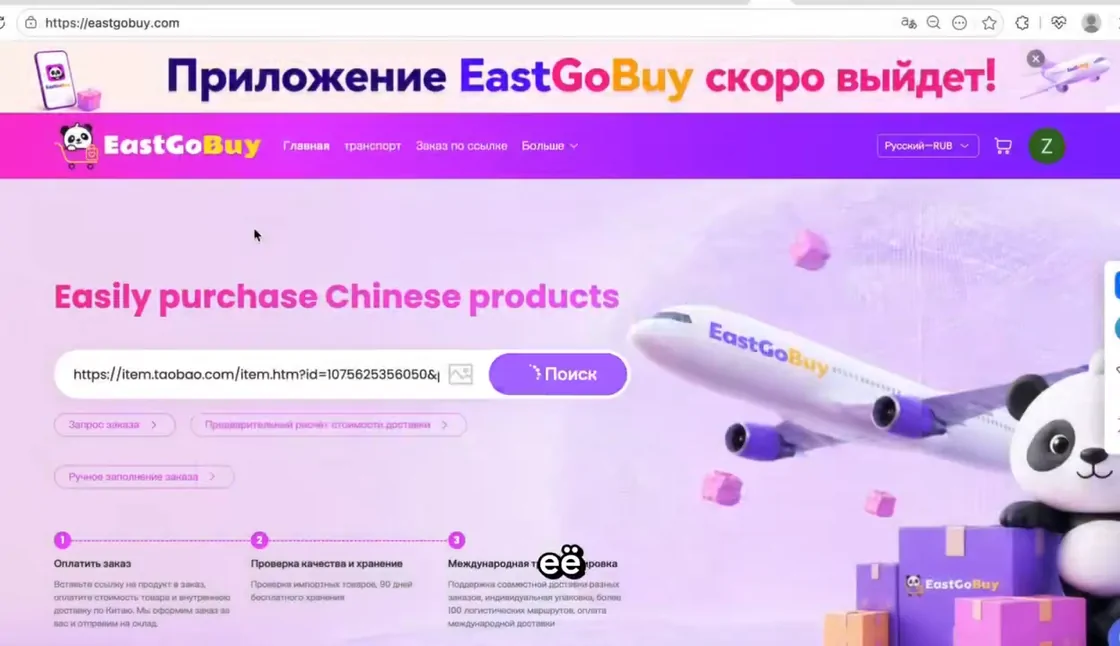
EastGoBuy's search bar takes a pasted product link as well as keywords and photos. Copy the full address of the listing (from the browser bar, not a shortened share code), paste it into the search bar on eastgobuy.com and EastGoBuy loads the item with every option the seller offers. Pick colour, size and quantity there, then add it to the cart. The official video shows exactly this at 0:31: a Taobao link pasted into the search bar.
If the link will not open, the DIY order form under "DIY Orders" lets you type in the product link, name, specification and a picture by hand. The ordering page covers both routes and the labels that follow.
Taobao, 1688, Weidian and the rest
JD.com, Pinduoduo, 1688 and Taobao are the sources the help centre puts in writing. The search bar on the home page also carries a Weidian icon next to the Taobao and 1688 ones, and the platform switch on the search results page shows the same three. Our shelves draw on Taobao, Weidian and 1688 listings, so every card here should open in EastGoBuy, but a seller can still refuse to ship or delist an item between your click and the purchase.
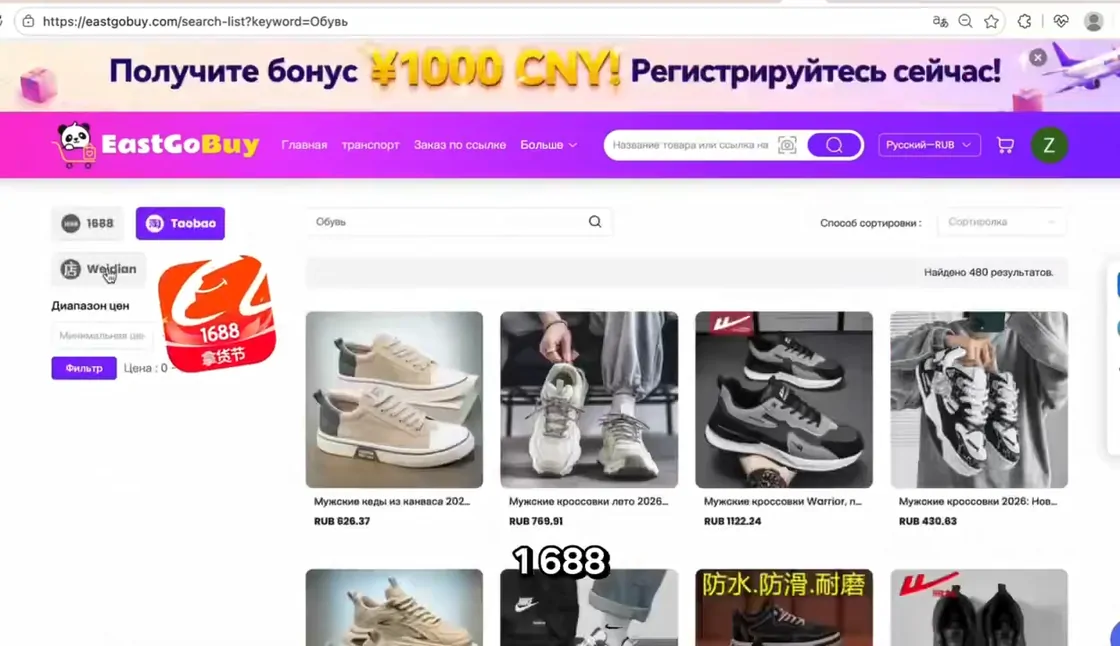
1688 is a wholesale site, so some listings carry a minimum order quantity. If a 1688 item asks for ten pieces, EastGoBuy will buy ten. Read the quantity box before you pay.