
Home / Guide
Ordering through EastGoBuy, screen by screen
The full route in seven steps, with the label you will see at each one and the official screens where we have them. Written from EastGoBuy's help centre, its tutorial video and its interface text.
The two official videos worth watching
Both are in Russian. The first is the on-site tutorial; the second, from EastGoBuy's YouTube channel, is filmed partly in the warehouse and covers paying with a Russian bank card. Neither has English subtitles, so read the step below each screen as you go. Below them is a 49-second English walkthrough we drew ourselves; it is not an EastGoBuy video.
Before any label: an EastGoBuy login
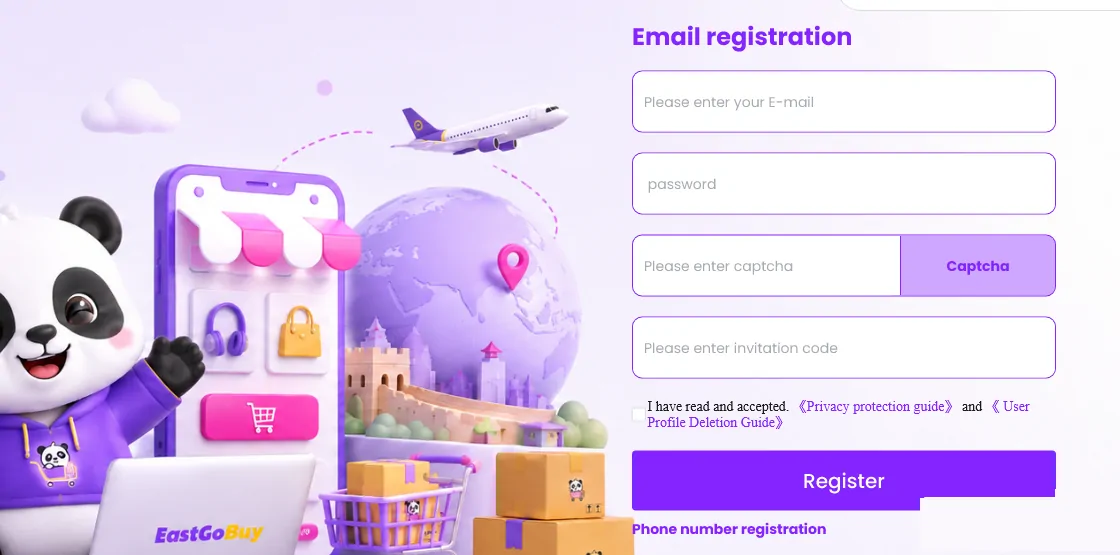
Registration asks for an email, a password, a captcha and an optional invitation code; phone sign-up and Google, Discord, Telegram and VK log-ins are offered underneath. Before you submit, the form makes you accept the privacy protection guide and the user profile deletion guide. A Russian-language notice from 29 September 2026 says new accounts receive coupons worth up to ¥1000 and a small panda gift with a purchase; check the coupon conditions inside your account before relying on them.
Search bar, image search or a pasted address
You can search by keyword, upload a photo for image search, or paste a link from Taobao, 1688 or another supported marketplace. A pasted link opens the product inside EastGoBuy, where you pick colour, size, model and quantity. On the official video the product page already has "Eastgobuy Chengdu Warehouse" selected as the ship-to warehouse, which is the only warehouse we have seen offered.
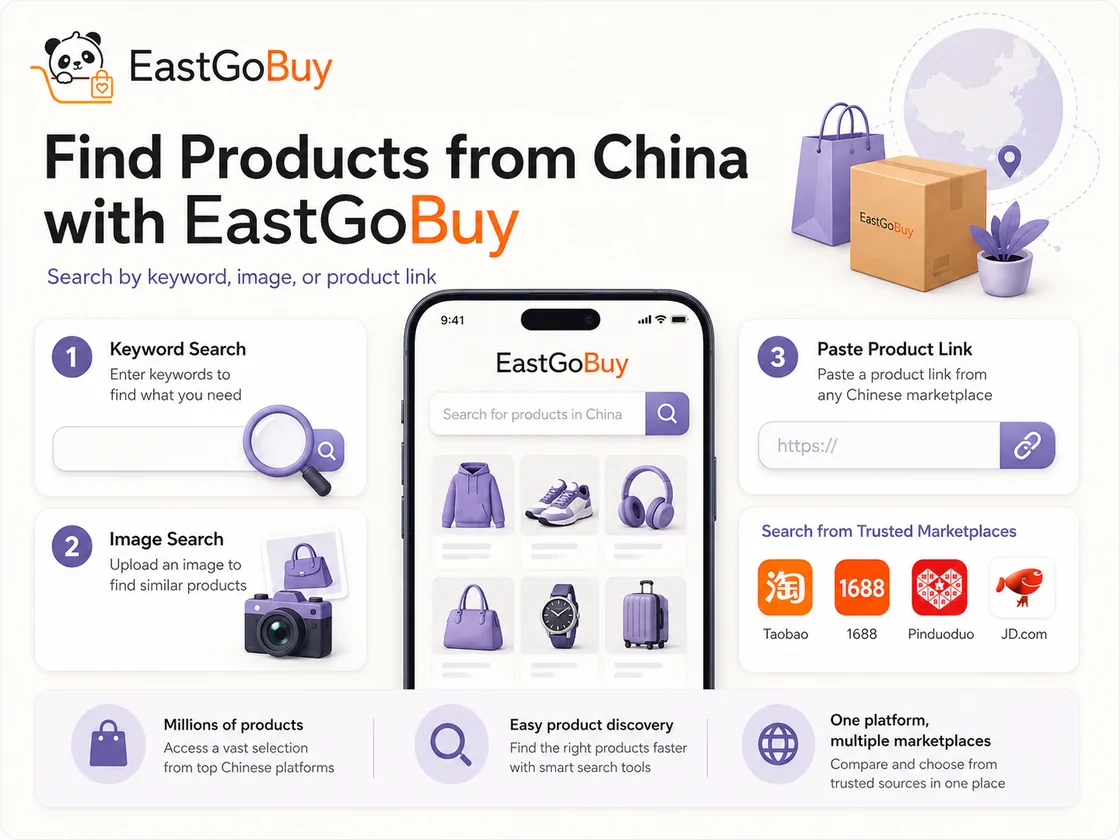
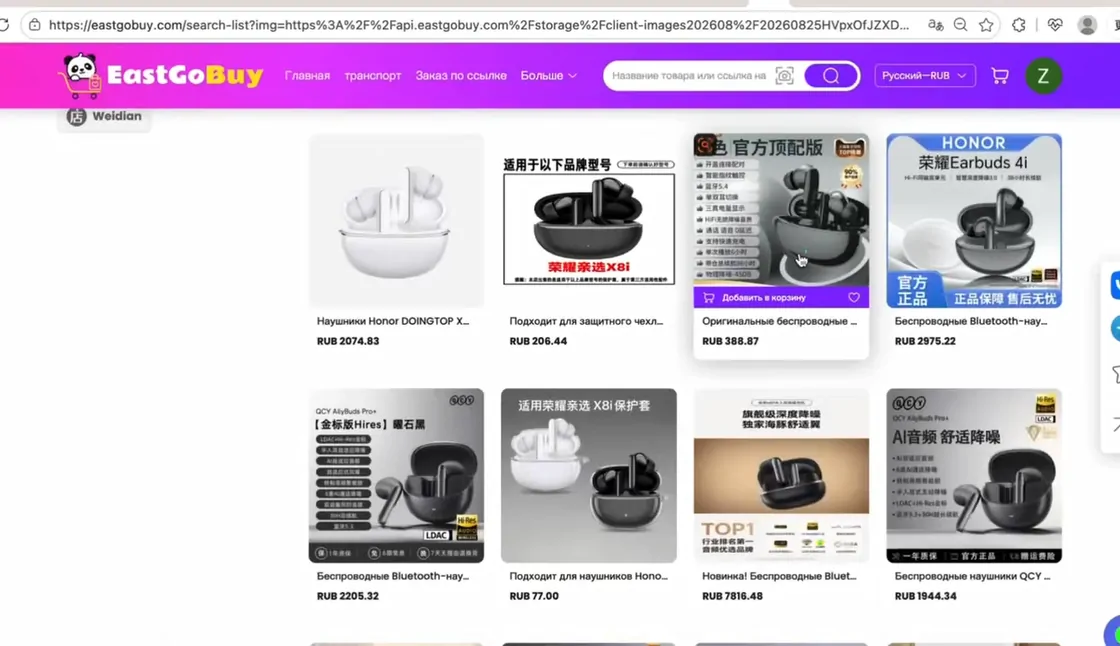
Image search is useful when all you have is a screenshot. The video shows it at 0:34: a photo of earbuds returns a page of near matches from different shops, at different prices. Pick by seller and options, not by the lowest number.
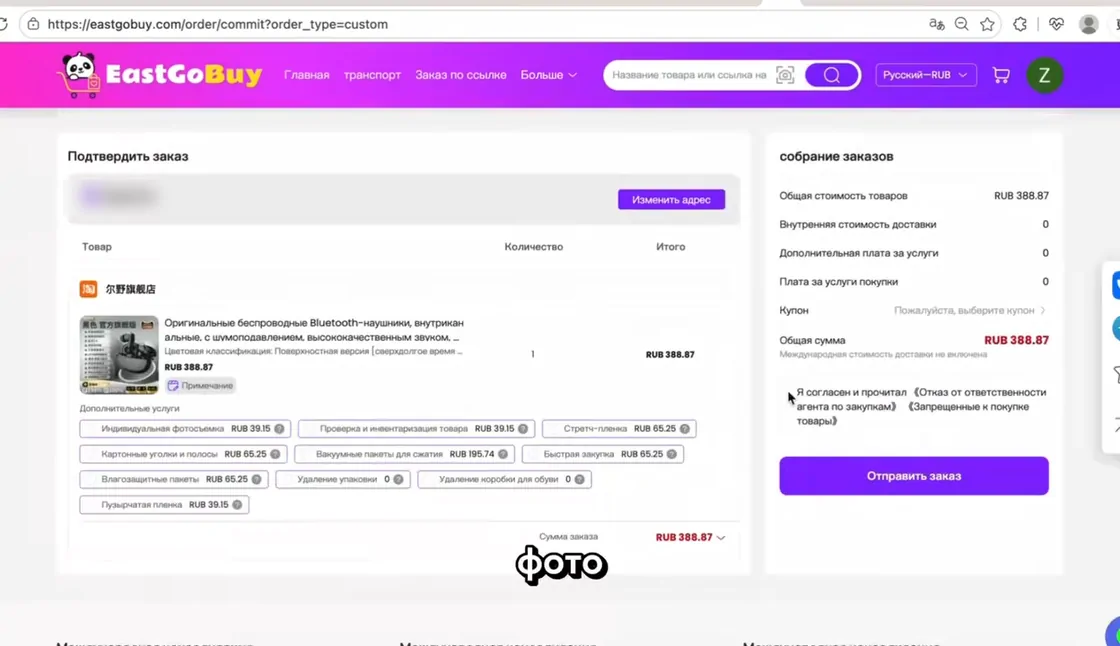
Checkout: Order under review, then payment
At checkout the order confirmation lists the goods, a domestic delivery line, the extras you ticked and a coupon box. The official video shows ten optional extras on this screen, from custom photography and inspection to stretch film, vacuum bags and shoe-box removal, each with its own price. After you submit, the order sits in Order under review while staff compare it with your country's import rules, then moves on to purchasing.
The cashier then offers the payment channels for your region. In the video every Russian channel (SBP, SberPay, T-Pay, Russian cards) shows a 3.5% commission, and a bank transfer option asks you to upload proof and wait for an administrator. The ordering page walks through every label from here until the seller ships.
Stored, photographed, clock running
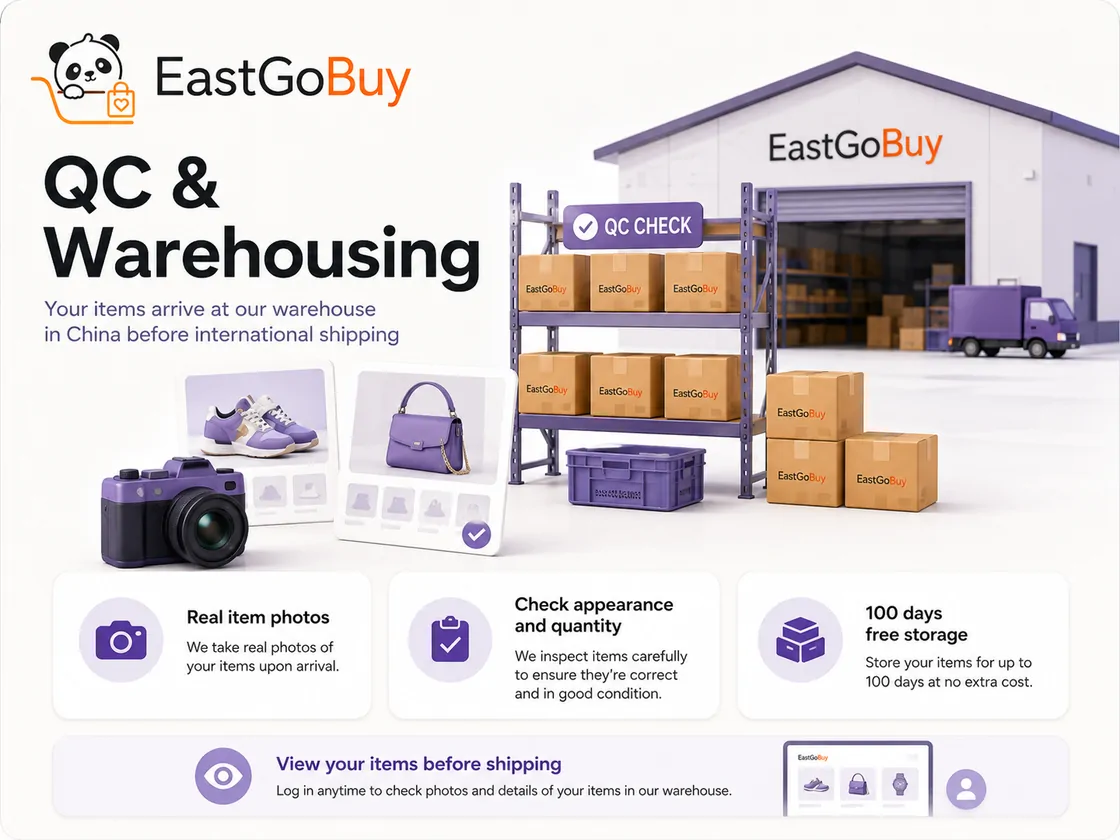
The seller ships to the warehouse in China. When the parcel is scanned in, the item becomes Stored and the free storage period starts: 90 days according to the home page and the stored-order notice, up to 100 days according to the ordering guide. EastGoBuy then runs a basic inspection and posts photos of appearance, colour, quantity and packaging.
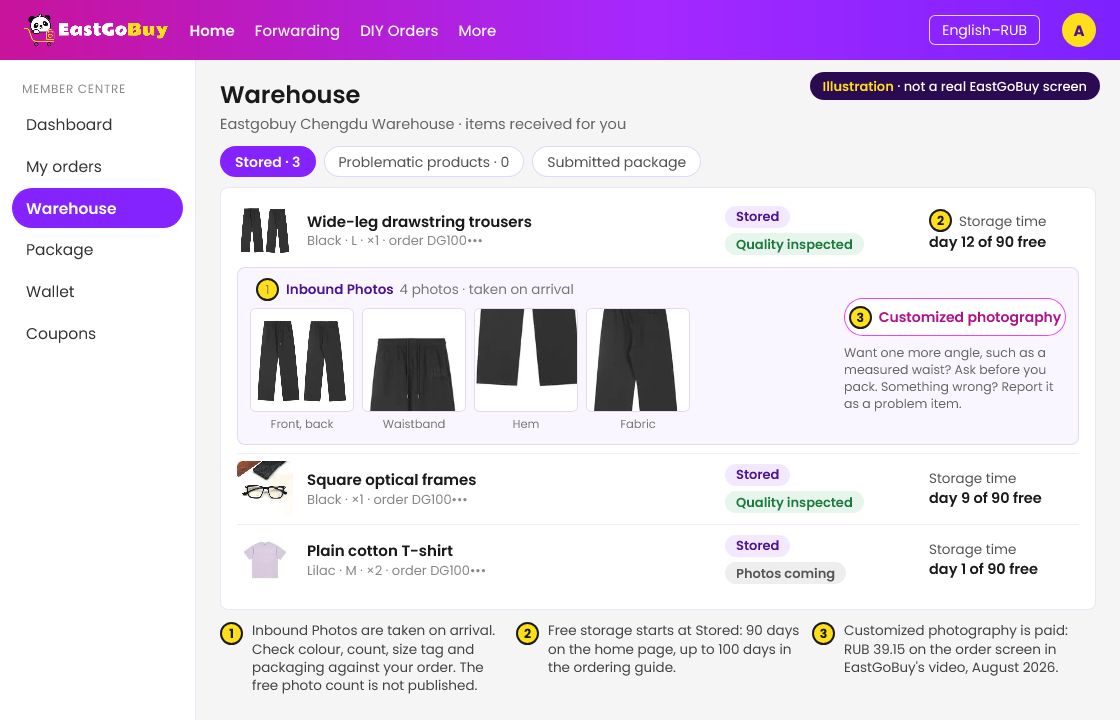
We have not been able to capture the logged-in screen where arrival photos appear, so this step has no official screenshot yet. The picture above is our own illustration of that screen, built from EastGoBuy's interface labels, not a capture. What to look for in those photos is on the warehouse photos page; the storage clock is on the arrival page.
Asking the warehouse for one parcel
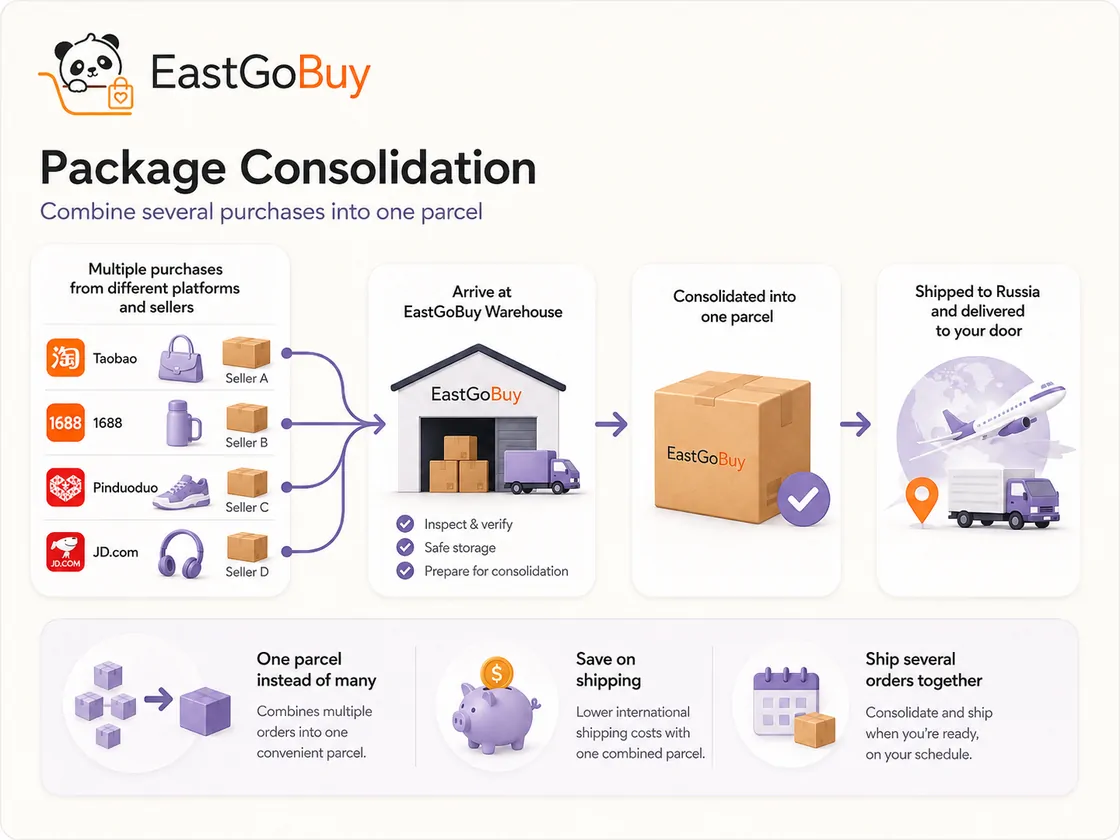
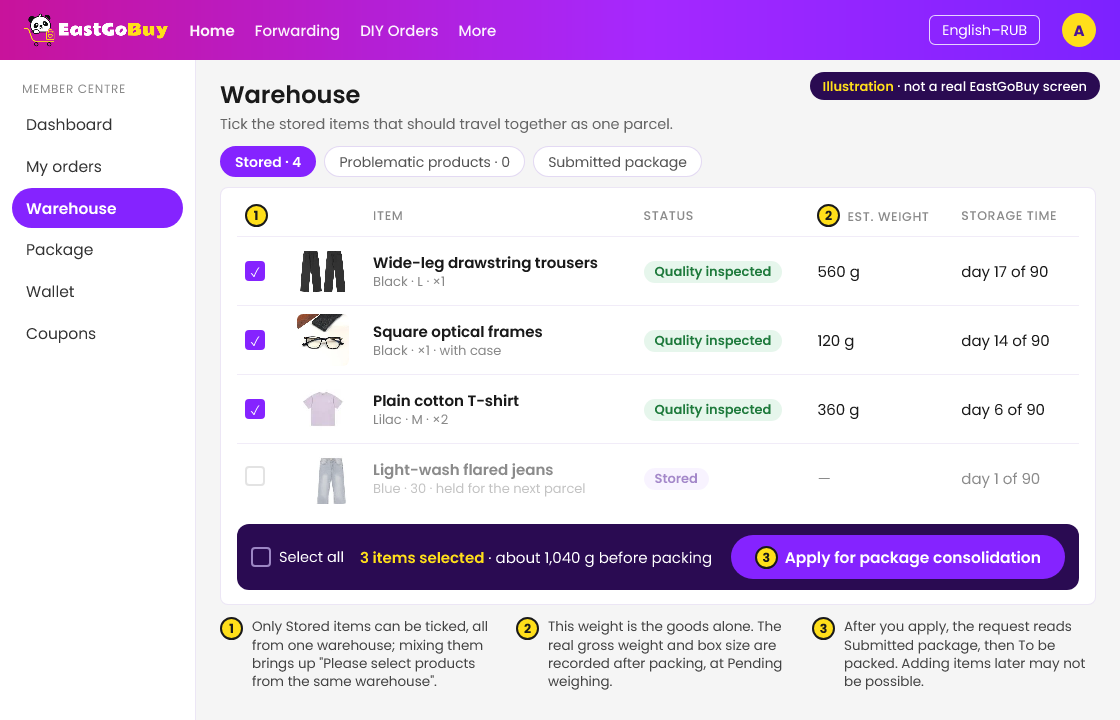
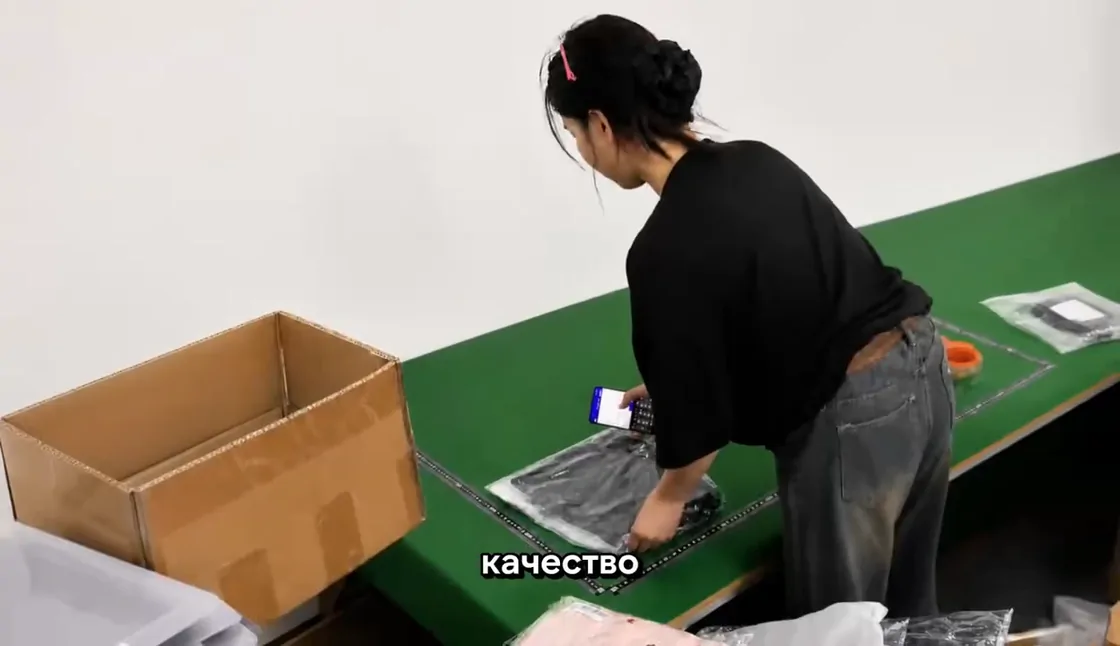
Once everything you want to send has arrived, select the items and use Apply for package consolidation. Items from different sellers and different marketplaces can go together, as long as they sit in the same warehouse. Staff pack the parcel, weigh and measure it, and attach pack photos; only then is the postage known.
Postage, priced off the measured box
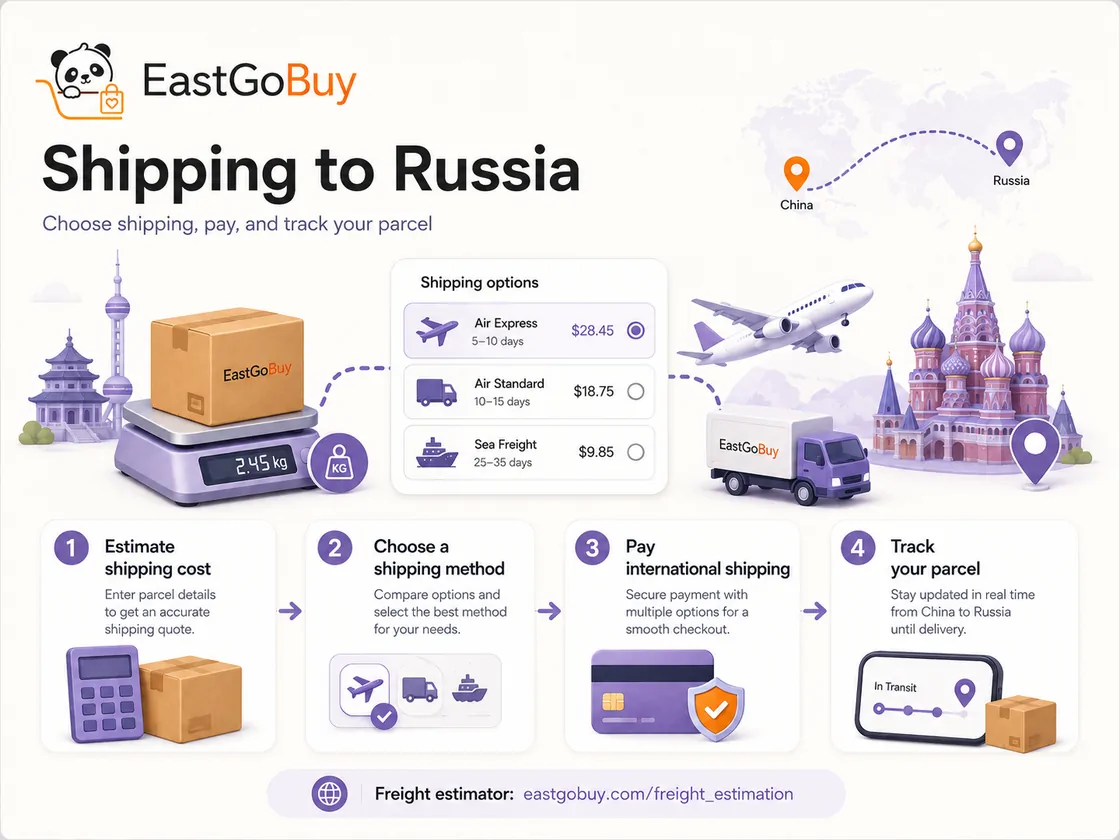
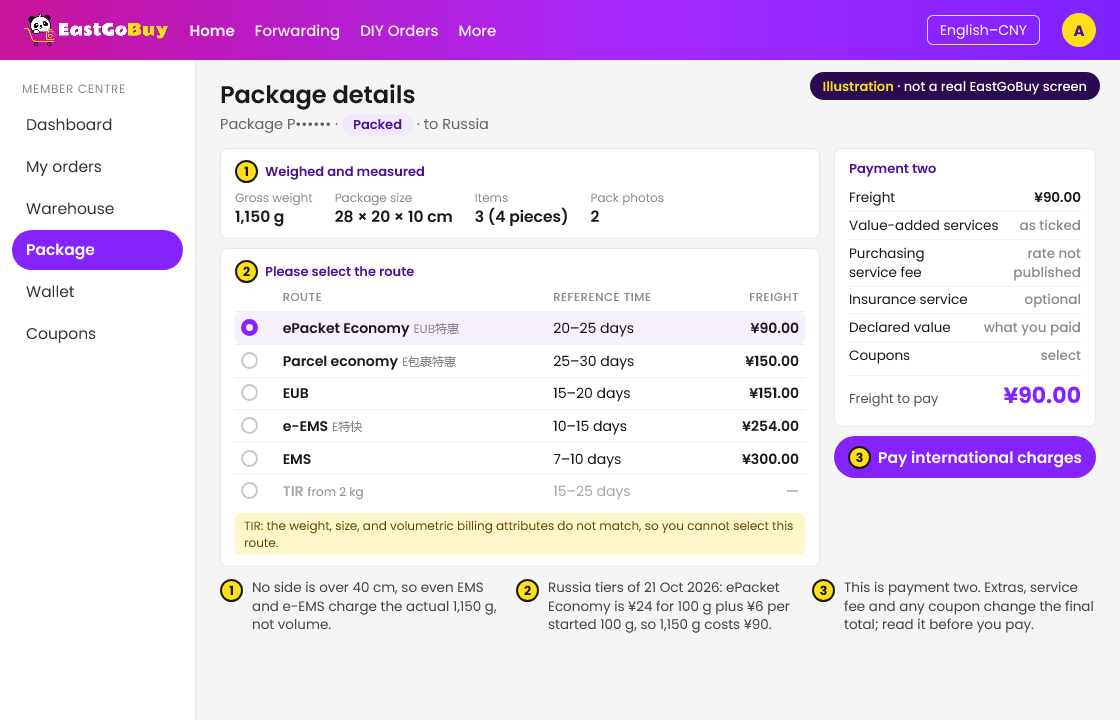
EastGoBuy lists the lines open to your address with a reference time and a price worked from the measured parcel. To Russia there were six on 21 October 2026, from ePacket Economy to EMS and a TIR road service for parcels of 2 kg and up. Pay this second payment and the parcel moves to Waiting for warehouse delivery.
Signed for, unboxed, and after-sales
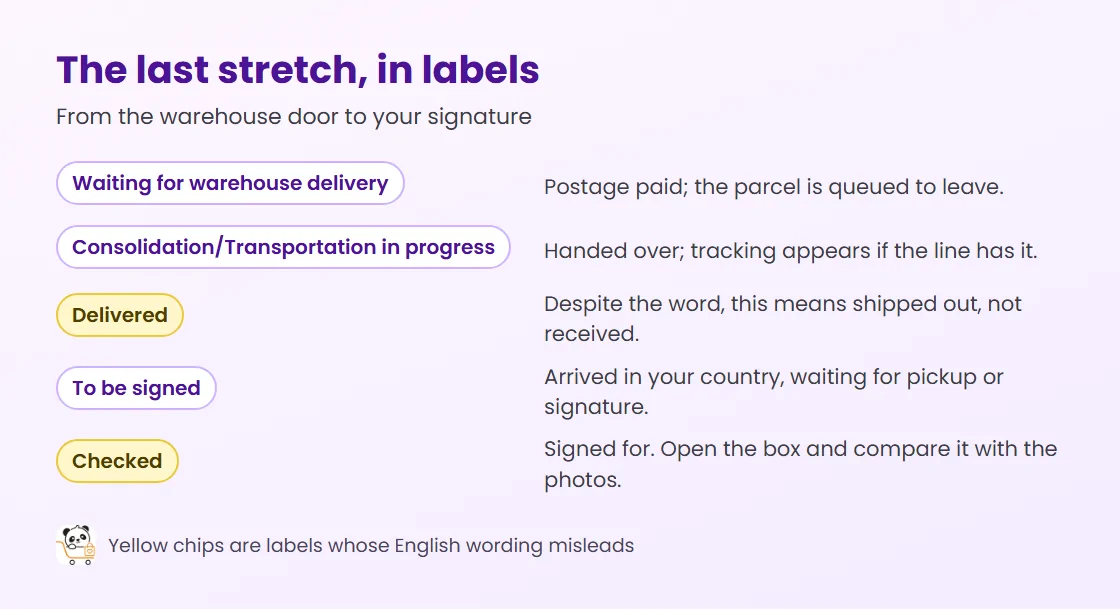
The parcel shows Consolidation/Transportation in progress once handed to the carrier, then a label that reads "Delivered" but means shipped, then To be signed and finally one that reads "Checked" but means signed for. Open the box soon, compare it with the warehouse photos and use the after-sales request if something is wrong. Duties in your country are yours to pay.
The delivery page covers refunds and the USD 1 fee that comes with each refund request.